A daily planner that plans the day with you
Caddie is a daily planner for the Mac where your tasks and your Google Calendar are one day: tasks sit next to your meetings, habits and routines hold their time, and promises from your calls arrive as tasks on their own. Each morning the Planner, a small assistant in your Mac's notch, says what's on today and offers to fit the tasks that aren't on the calendar yet. Say yes and it plans the day, or the week, with you.
How it works
- Connect Google Calendar. Events sync every five minutes, next to your tasks.
- Say yes to the morning plan. "Morning. Today: 3 meetings. 2 tasks aren't on the calendar yet. Want me to plan them in?"
- Do the day. The Planner nudges you back when you drift, in the voice you pick: friend, coach, calm or hype.
Daily planner in Caddie, at a glance
| Calendar | Google Calendar, synced every 5 minutes |
|---|---|
| Planning | Plan my day and Plan my week with the Planner |
| Tasks from | Notes, meeting promises, Linear tickets, and anything you type |
| Habits and routines | Hold their time on the calendar every day they run |
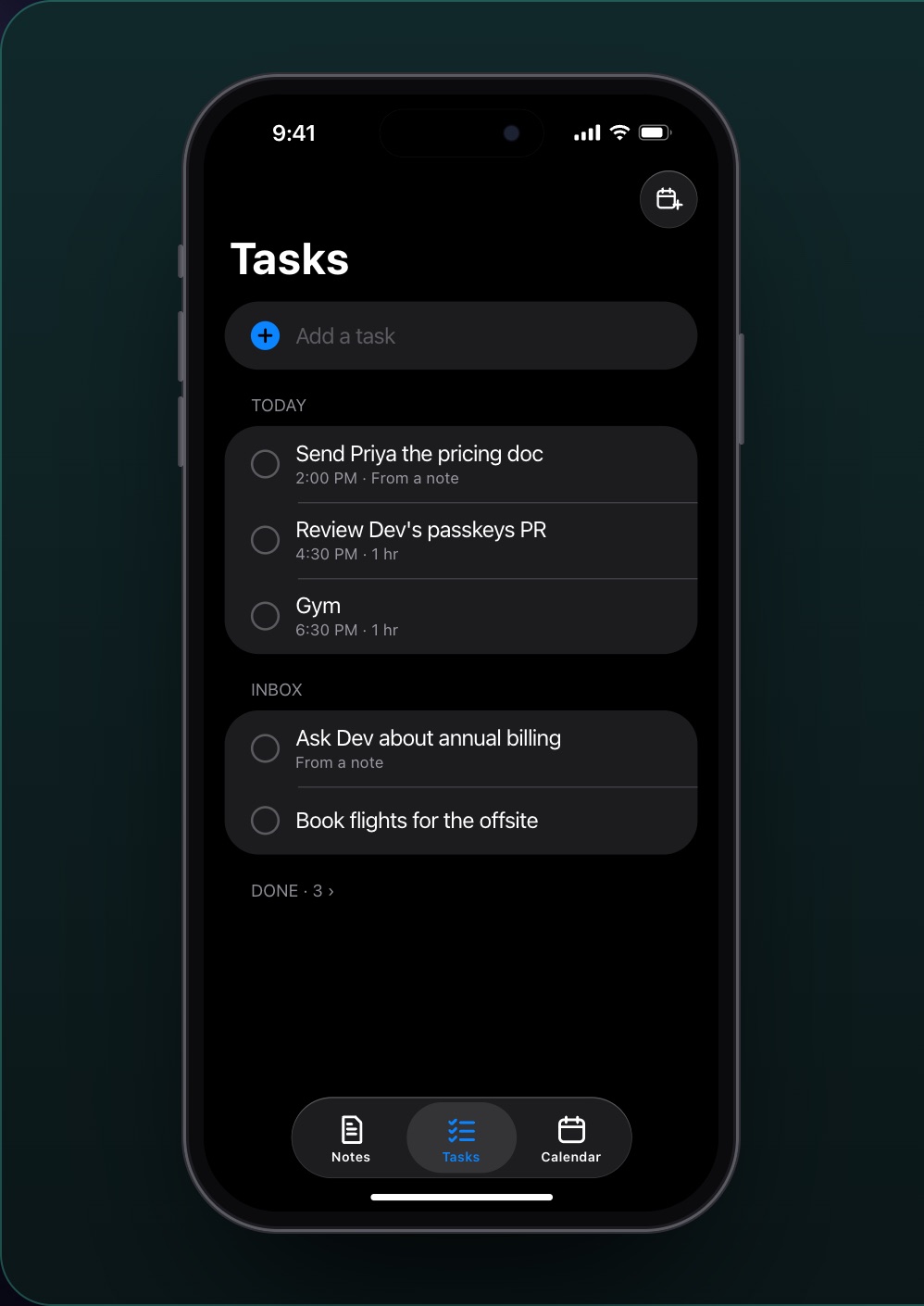
| Where | Mac app; browser; iPhone app (beta) for tasks and calendar |
Tasks and calendar in one day
Most planners show tasks in one place and the calendar in another. In Caddie the day is one view: meetings from Google Calendar, your tasks, and the blocks your habits and routines hold (lunch, gym, sleep). Pinch on the trackpad to zoom the day; move a habit's block and it moves on every day it runs.
Plan my day, Plan my week
The Planner is a built-in agent. It looks at what's due, what's on the calendar and how much time is free, then proposes a plan, asks you anything it needs to know, and puts tasks into the free time. After the evening it plans tomorrow instead.
Where the tasks come from
From your notes (a line becomes a task), from your meetings (each promise on the call becomes a task), from Linear (the Tickets tab shows your team's open issues), and from you. Later weeks keep things you won't do this week out of today.
Firm when you drift
The Planner lives in the notch. It starts focus time, says when you're off plan, and cheers when you finish: you pick its voice.
What it doesn't do yet
- Google Calendar only: no Outlook or iCloud calendar yet.
- The Planner and notch are in the Mac app; the browser and iPhone show tasks and calendar.
- No Windows or Android app.
Questions people ask
Is Caddie a good Sunsama alternative?
If you're on a Mac and use Google Calendar, yes: one day view, a morning plan, and it's free while in beta. Sunsama has a more guided daily ritual and works on Windows, Linux and Outlook.
Does it auto-schedule my tasks like Motion?
It proposes a plan with you each morning (Plan my day) rather than moving everything on its own. You say yes, change it, or ask it to fit something else.
Does it work with Outlook?
Not yet: Google Calendar only.
Is it free?
Yes, while Caddie is in beta.