A personal AI agent that runs on your own Mac
Caddie is a personal AI agent that runs on your own Mac, on your Claude Code or Codex account, and already knows your notes, tasks, calendar and meetings. Message it from the iPhone app from anywhere, and connect Slack so your DMs and @mentions are sorted for you: seen, answered in the thread, handed to one of your agents, or asked about in your Mac's notch. It asks before anything that sends, pays, deletes or posts.
How it works
- Install Caddie on your Mac. Set up Claude Code or Codex once.
- Reach it from anywhere. The iPhone app talks to the agent running on your Mac, over the internet, not only on your Wi-Fi.
- Let it handle Slack. Connect Slack and new DMs and mentions are triaged; you OK the replies.
Personal AI agent in Caddie, at a glance
| Runs on | Your Mac, with your Claude Code or Codex |
|---|---|
| Reach it from | The iPhone app, Slack (DMs and @mentions), and your Mac |
| Knows | Your notes, tasks, calendar, meeting transcripts and a memory note about you |
| Asks first | Before sending, paying, deleting or posting |
| Not yet | WhatsApp, Telegram and iMessage |
Why on your own Mac
Your files, your signed-in Chrome and your apps are on your Mac, so that's where the agent works. Nothing runs in someone else's cloud except the AI model you already use.
Slack, handled
Caddie reads new Slack DMs and @mentions as they arrive (no polling), sorts them in batches with a small model, and acts: marks them seen, drafts a reply in the thread for your OK, hands them to the right agent, or asks you in the notch. Your Slack token is sealed on the server and never leaves it.
From your phone
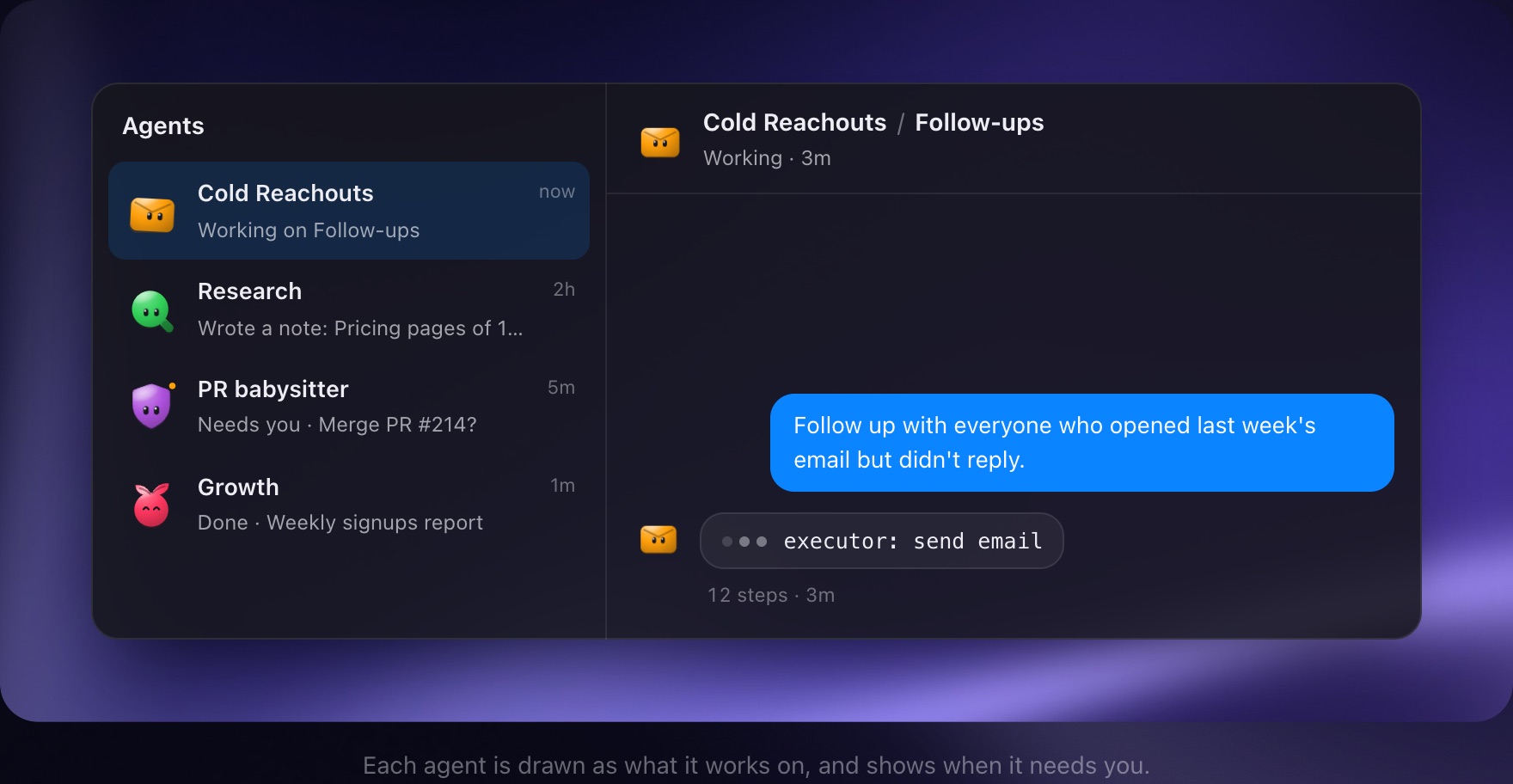
The iPhone app shows every agent and its chats. A message, Stop, Mark done or an OK you give there goes to the Mac that runs the agent and happens as if you were there.
Compared with OpenClaw
OpenClaw (the open-source agent once called Clawdbot) is free, runs on Mac, Windows or Linux, and answers in 29 chat apps; you set it up and pick its model. Caddie is a Mac app that comes set up, uses your Claude Code or Codex, and sits next to your notes, tasks and calendar; today you reach it from the iPhone app and Slack.
What it doesn't do yet
- WhatsApp, Telegram and iMessage aren't supported yet.
- It works while your Mac is awake; there's no cloud runner yet.
- Mac only (Apple silicon).
Questions people ask
What is a personal AI agent?
An AI that does tasks for you, not just chats: it reads and writes your notes and calendar, drafts replies, runs routines and asks you when it needs a decision.
Is my data sent to Caddie's servers?
Your notes and tasks sync through Caddie's servers like any notes app. The agent itself runs on your Mac with your own AI account.
Can I message it on WhatsApp?
Not yet. Today it's the iPhone app and Slack.
How is it different from ChatGPT?
It runs on your Mac with your tools and knows your own notes, calendar and meetings, and it can work on a schedule without you.